

All your activities are to be set to RUNNING and Outdoors. Even if you are walking or hiking (state it in the little box you can add a description to). The coaches know the difference because of maps and data as well.
Posting your runs manually:
This option is only available for runners who spoke to the coaching staff and got confirmation.
- Before you run – record the time you went out. Then record the time you finished.
- Go to: www.Runkeeper.com
- Take a picture of your watch if you used a watch.
- Submit this information as shown on this link: https://youtu.be/-TDBOHUqFy0
Posting treadmill runs:
- Take a picture of the treadmill screen with your completed workout.
- Uploaded it manually by following the instructions above or below:
- In the RK app, press the little + located top right in the START tab at the bottom.
- Here is the tutorial link: https://youtube.com/shorts/vqhormvBIEU?feature=share
How to start a Run on RK:
- Here is the link: https://youtube.com/shorts/De4V0FlAe5g?feature=share
How to program and save your workout to go run on RK:
- This is a tutorial to show you how to program your day’s workout so you do not have to think about anything during your run. Just start it and it will tell you what to do!
- Remember to pause it after your warm-up, start it when you run again, pause the press the stop (square button) to end your workout.
- Here is the link: https://youtube.com/shorts/-LN28FP9s2Y?feature=share
How to look for your notifications on RK:
- To check for friend requests, invitations, and other information.
- Here is the link: https://youtube.com/shorts/thJpuvCauu0?feature=share
How to locate your friends:
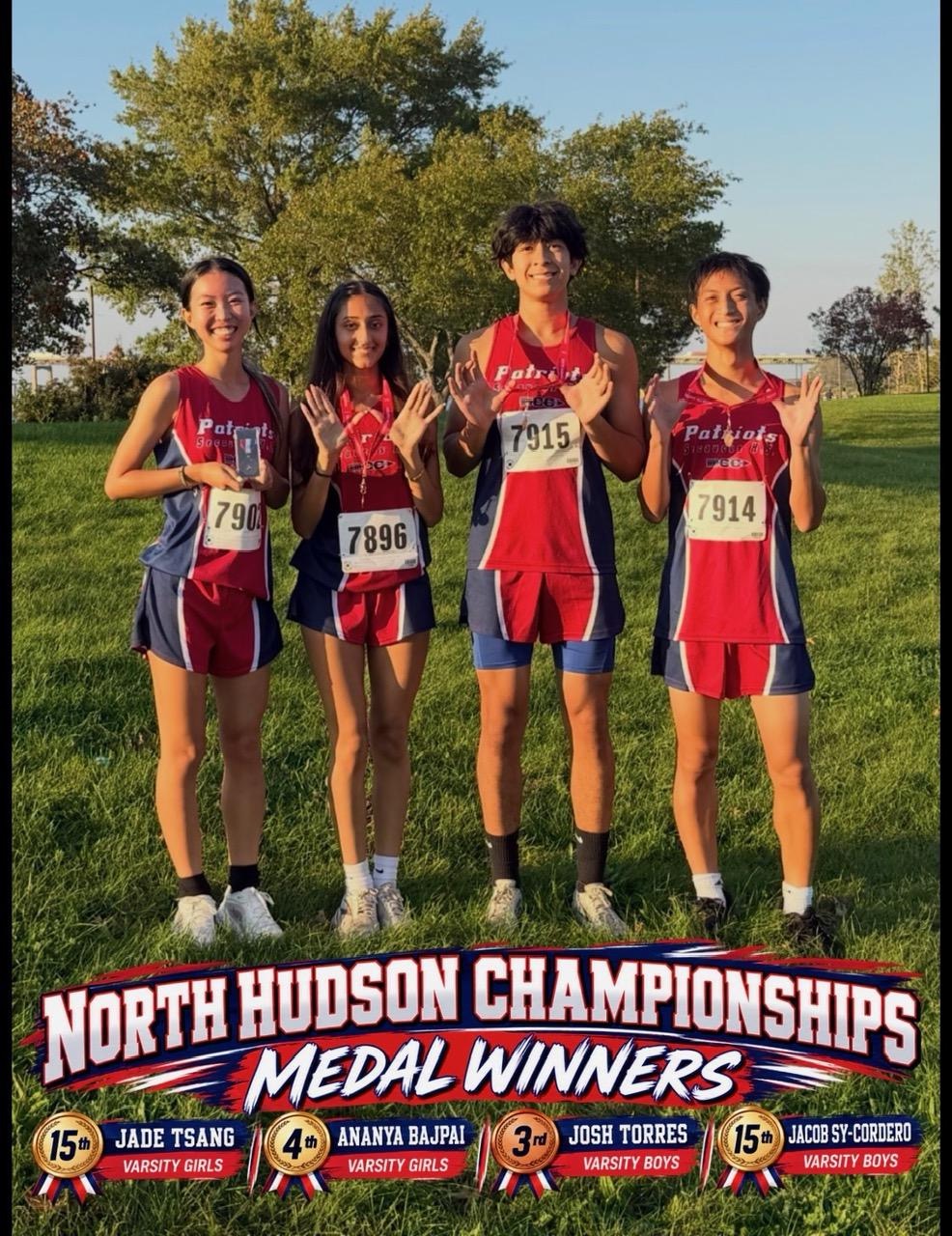
- Please you must add your coaches, captains, and friends
- Stan Fryczynski
- XC Katherine Gomez
- XC Josh Torres
- Ananya Bajpai
- Here is the link: https://youtube.com/shorts/dd_C2Nz4pVQ?feature=share
RK mandatory settings change:
- Here is the link https://youtube.com/shorts/sEwbtNLVGoI?feature=share